


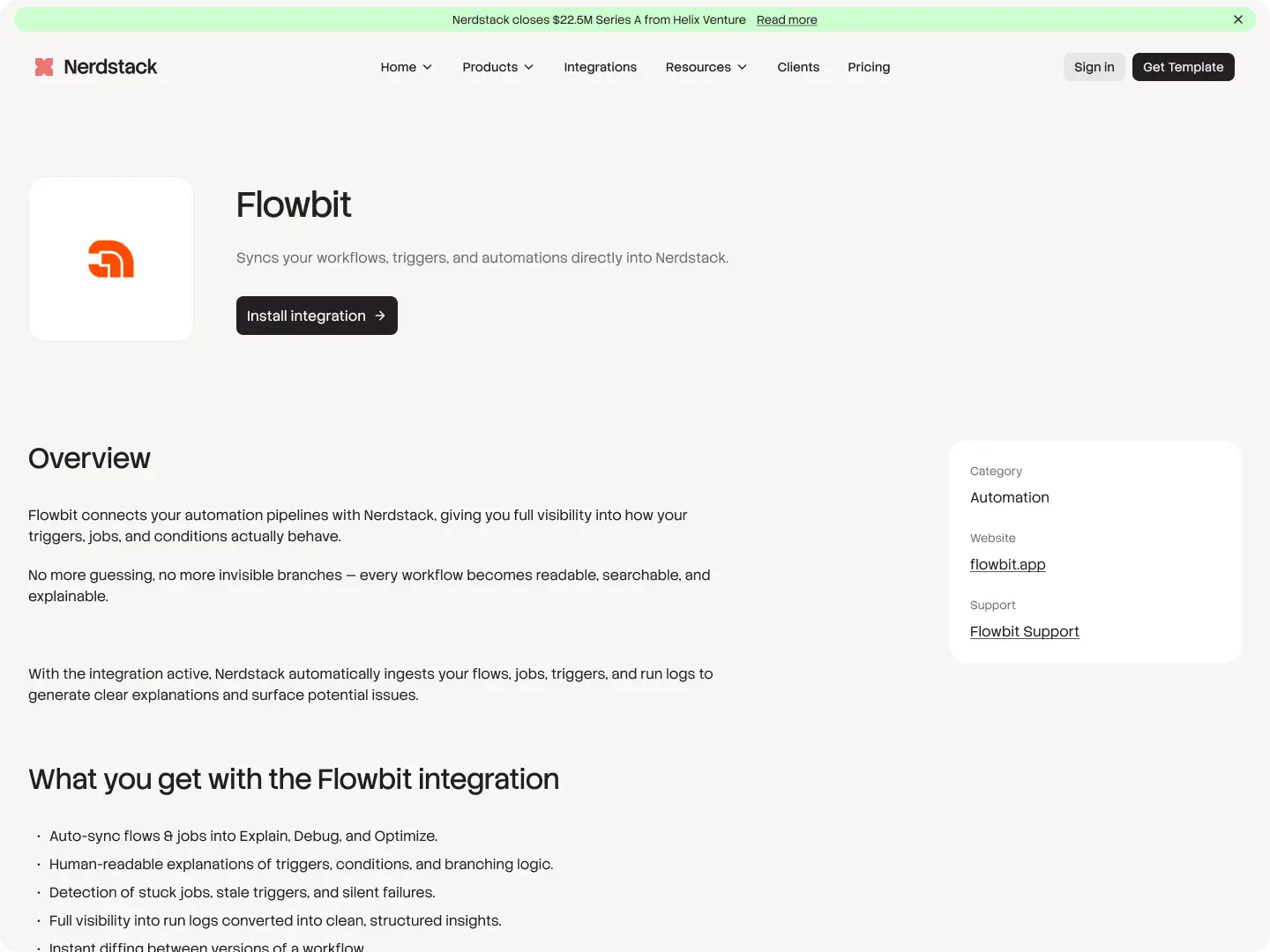



Overview
Optivo's Zoom integration puts video meetings exactly where they need to be: on the event itself. When you create a job, schedule a client meeting, or set up a crew briefing in Optivo, you can attach a Zoom link in one click. Everyone assigned to that event sees the join button right inside Optivo, no separate calendar invite required.
This is especially useful for project managers running remote site reviews, foremen who need to brief crews scattered across multiple jobs, and office staff handling client check-ins between visits.
What you get with the
Flowbit
integration
- Generate a Zoom meeting link directly from any Optivo event
- One-click join from the event card, both web and mobile
- Auto-add the meeting link to crew notifications and calendar invites
- Host controls and waiting room settings carry over from your Zoom account
- Recordings sync back to the related job for easy reference
- Works for client meetings, crew briefings, training sessions, and virtual site reviews
- Connect once, then every Optivo user on your team can use it
.svg)