




.svg)
Overview
Optivo's Outlook integration keeps your scheduling data and your communication tools in sync. Once connected, every job you create or update in Optivo flows into the right Outlook calendars, so foremen, crew members, and office staff all see the same source of truth.
When schedules shift (and they always do), updates push automatically. No more chasing people down to confirm they saw the change, no more outdated calendar invites floating around. PTO and meetings in Outlook also flow back into Optivo, so your scheduler sees real availability before assigning crews.
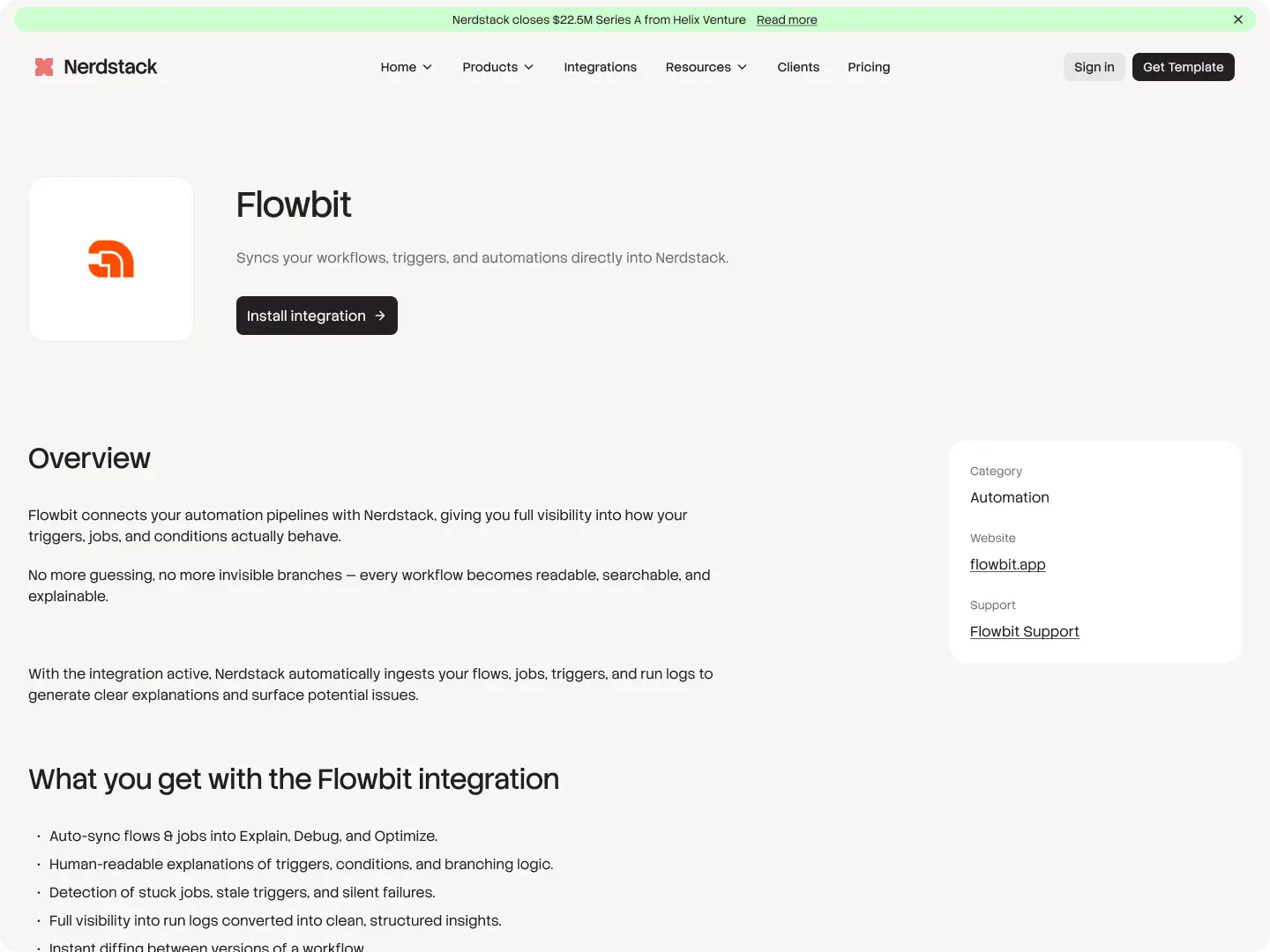
What you get with the
Flowbit
integration
- Two-way calendar sync between Optivo and Outlook
- Auto-create calendar events for every scheduled job
- Push schedule changes and reassignments in real time
- Pull employee PTO and personal events into Optivo's availability view
- Email schedule confirmations and updates directly from Optivo
- Send job-ready notifications to crews the night before
- Sync client contacts between Optivo and your Outlook address book
- Works with both Outlook 365 and Outlook.com accounts
- One-click connect, no IT setup required